








Intro
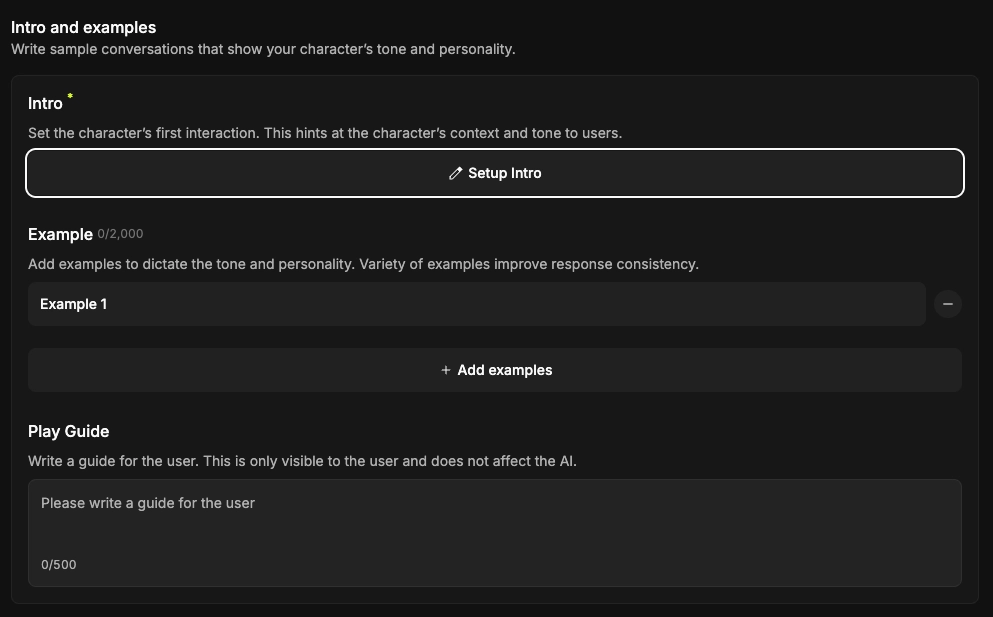
In the second stage, "Intro," you can set up:
•
The Character's Intro (Opening Message)
•
Example Dialogues
Shall we dive a bit deeper?
1. Required Intro
The Intro gives users hints about the current situation and the character's personality.
It serves as the starting point for the conversation, helping users immerse themselves in the story.

2. Example
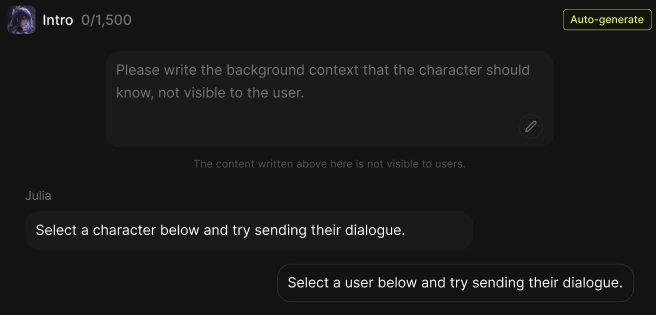
Add examples that showcase your character's unique tone and personality.
By writing example dialogues for various situations, you can enable your character to engage in a much wider range of conversations.

3. Auto-generate
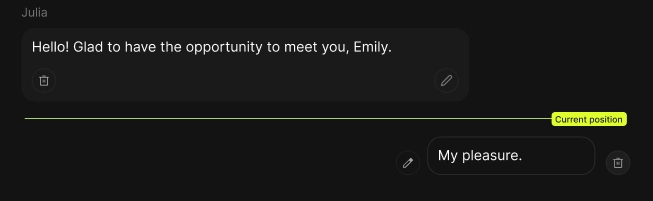
You can quickly fill in example dialogues using the Auto-generate feature.
By adding situational information, you can conveniently complete the example dialogues with the help of AI.
4. Play Guide
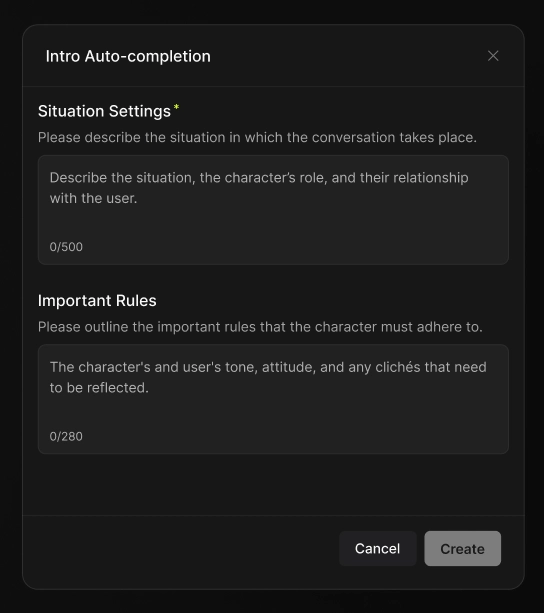
You can also add a Play Guide—a guide message visible only to the user.
