
Real-time Scene Images
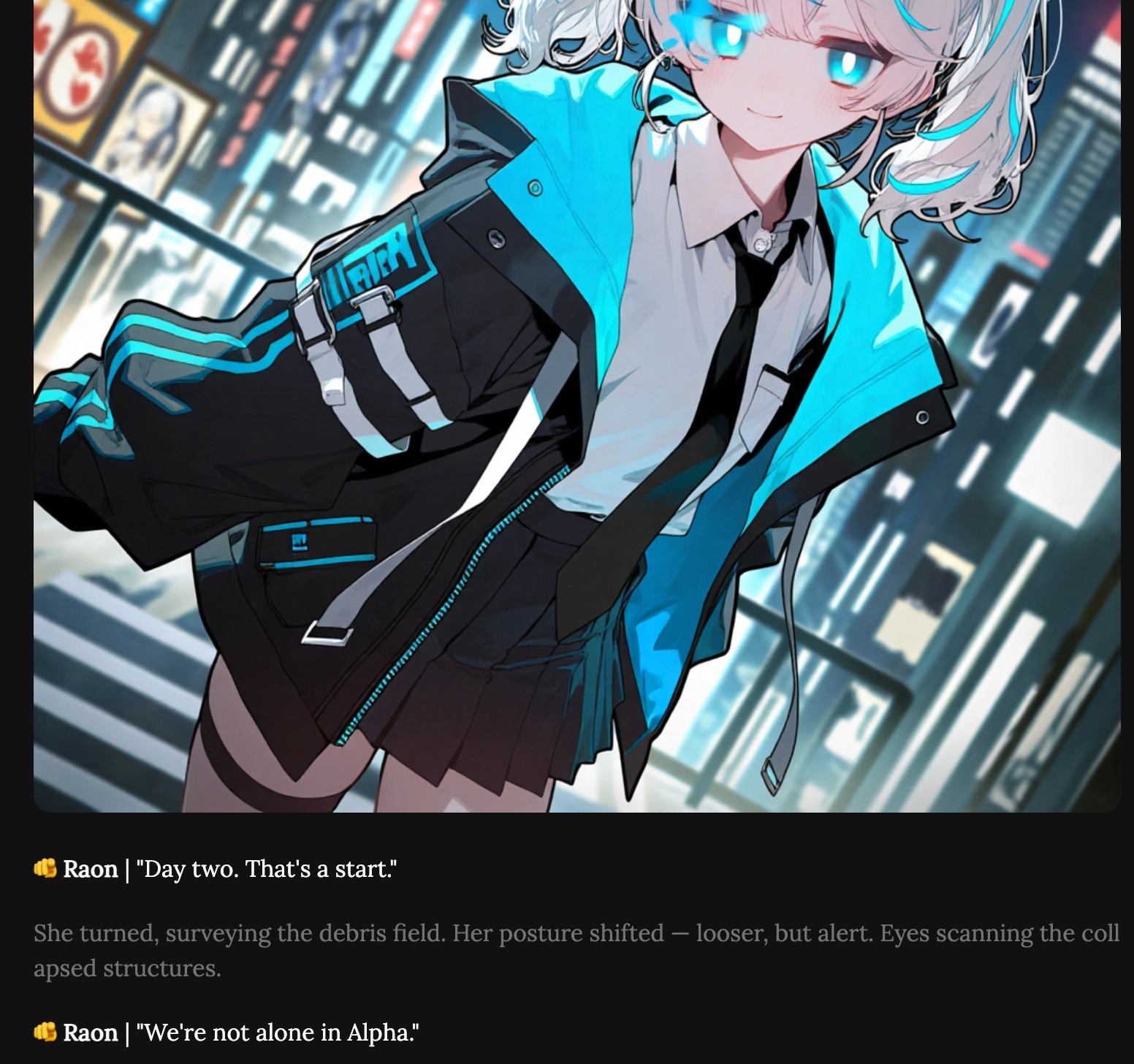
Do you know about scene images that help you feel even more immersed?
The AI reads your chat (your prompt) and generates a scene image that fits the situation.
By default, the AI selects and shows an appropriate image from the scene images registered by Creators.
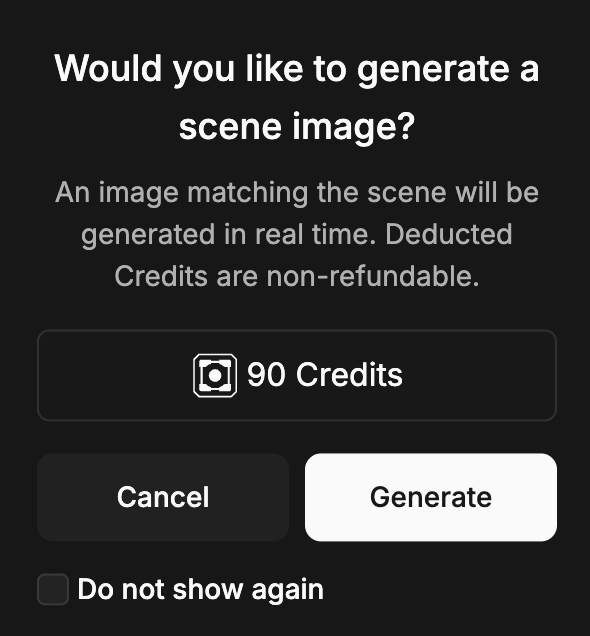
In addition to those registered images, you can also generate a scene image that matches the current situation in real time.
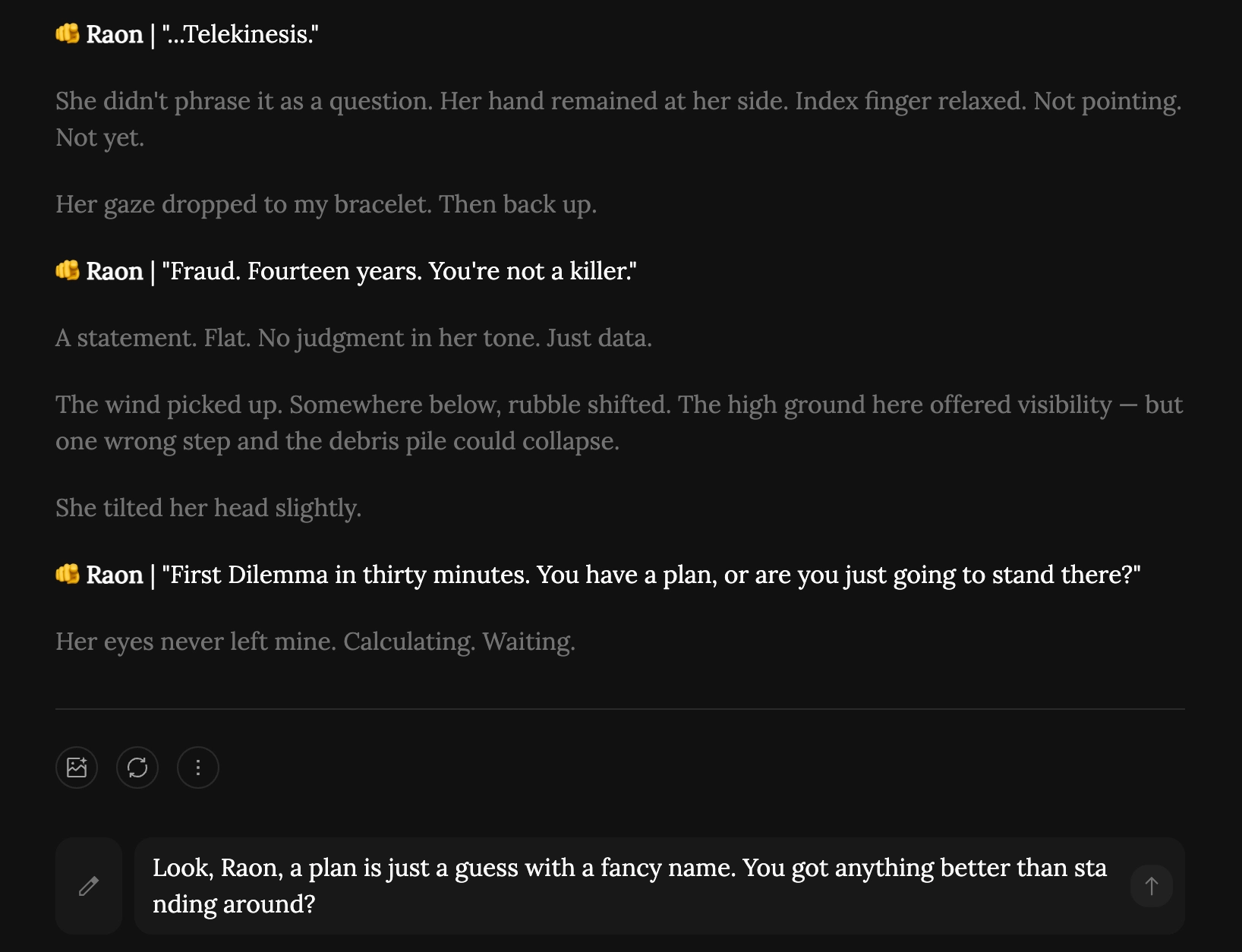
Now, let’s focus on the picture icon at the bottom of each chat.
Tap that button to generate a real-time scene image.
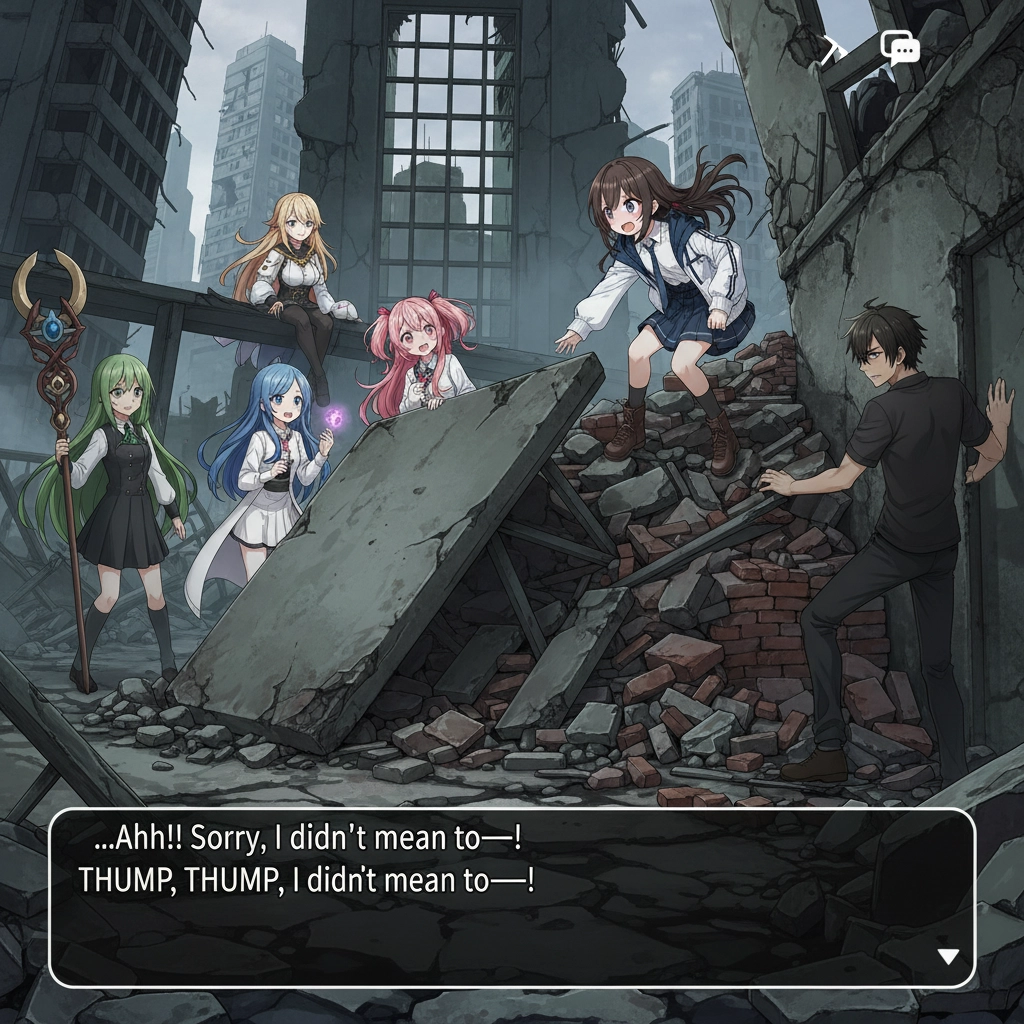
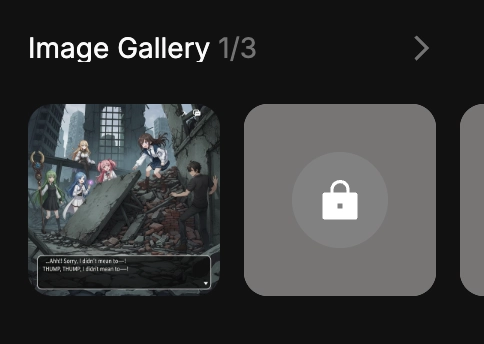
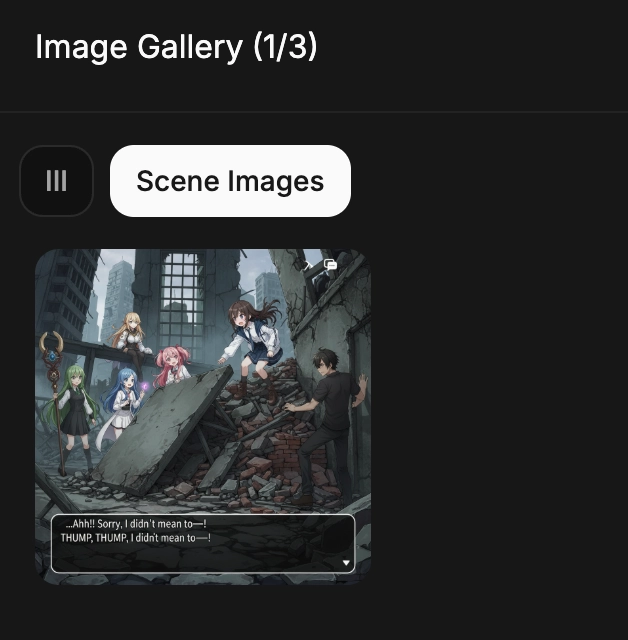
You can view the scene images you created again by opening the image gallery on the right and tapping Scene Images.
Since real-time scene images help with immersion, try using this feature!
 Back to Previous