








Character Setup
In the first stage, "Character Setup," you will:
•
Register the ‘Title Image’—the face of your character!
•
Enter the Character Name.
•
Write a One-line Introduction for your character.
This is the stage where you craft your character's first impression.  These three elements are the primary ways others will first encounter your character, so putting in a little extra care will really make your character stand out! Check out the details below for more tips.
These three elements are the primary ways others will first encounter your character, so putting in a little extra care will really make your character stand out! Check out the details below for more tips.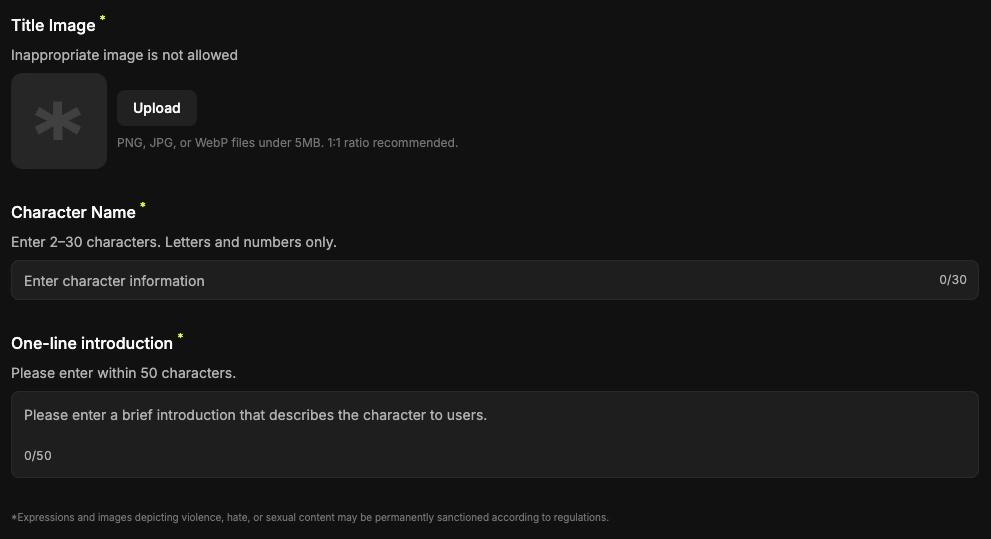
1. Required Title Image
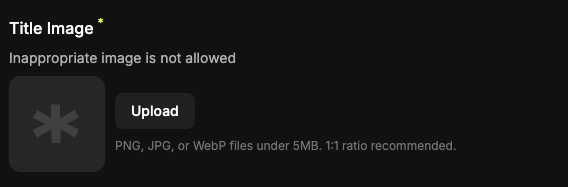
Upload a profile image for your character
•
Specs: PNG, JPG, Webp (Under 5MB).
•
To ensure a safe environment for everyone, uploaded images may be pre-screened using AI filtering.
•
Tip: You can also generate a custom image that perfectly fits your character's concept!
2. Required Character Name
Please give your character a name.
•
Use between 2 to 30 characters.
•
Note: Special characters and emojis are not supported for character names.
3. Required One-line introduction
Write a brief description of your character.
•
This is a key piece of information that tells other users exactly who this character is.
•
You can write up to 30 characters.