




Advanced Features
Now, let's make the conversation even richer by registering scene images!
In the fourth stage, "Advanced Features," you can add Scene Images to your character.
You can add images by specifying that "if a certain situation occurs, a specific image should appear!"

1. Add Scene Images
Please add images that match your character.
•
We do not recommend images that are too vertically long.
•
Images will be registered based on a square (1:1) aspect ratio.
•
You can upload up to 50 images in total.

2. Enter Scene Image Information
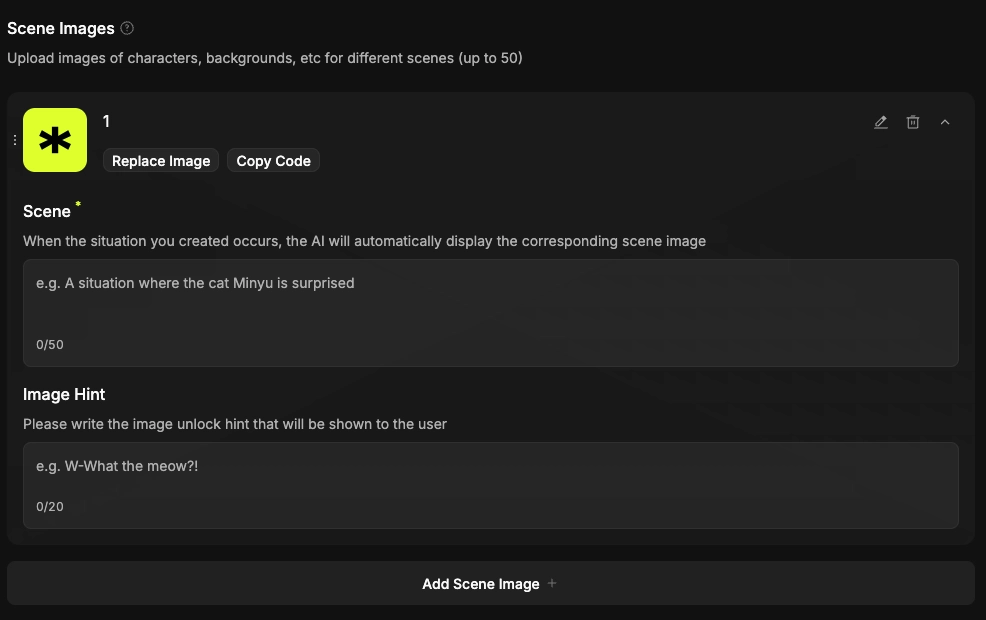
Please enter information for the added images.
•
The clearer the description of the situation, the "smarter" the character becomes.
•
You must enter information for all images to complete the registration.